How to use the Spectra CLI tool to process PDFs
Spectra is a command line interface tool that allows you to convert PDFs on your local machine to .docx, .tex, .html or .mmd (Mathpix Markdown) formats. This is an alternative to PDF conversion by making an HTTP request to our v3/pdf endpoint.
Spectra CLI Quickstart - Mac
Open your Terminal app.
Make sure you have NodeJS installed on your machine. If you don’t, here is a guide you can follow. Spectra requires at least Node v10.
Run this command in your terminal to install Spectra:
npm install -g @mathpix/spectra
Next, go to your Mathpix account and copy your API key.
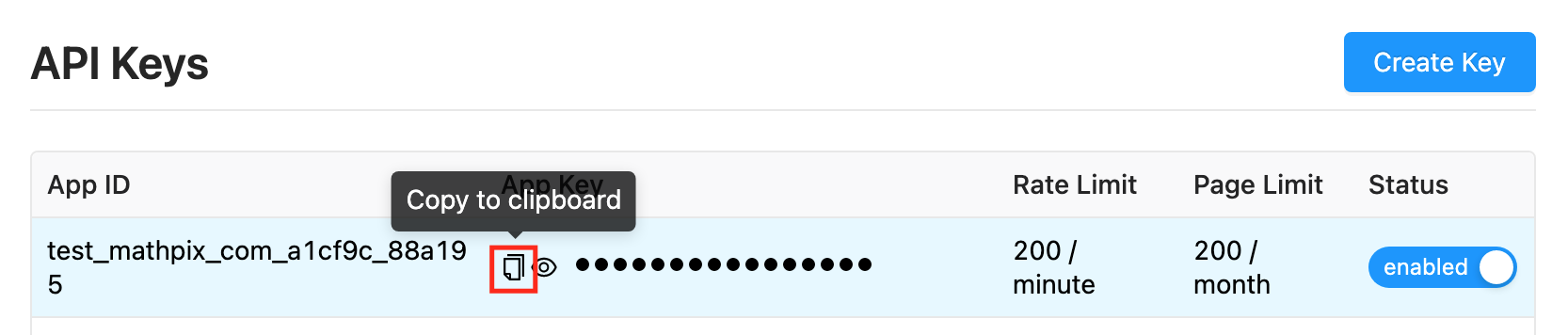
Use the key to set an environment variable for your API key by running this command:
export MATHPIX_OCR_API_KEY=your_api_key
Now you can convert PDFs to .mmd, .docx, .tex, and .html formats with this command:
spectra convert input-file.pdf output-file.mmd
Make sure specify the desired file type for the output format in the command, here I’ve chosen .mmd.

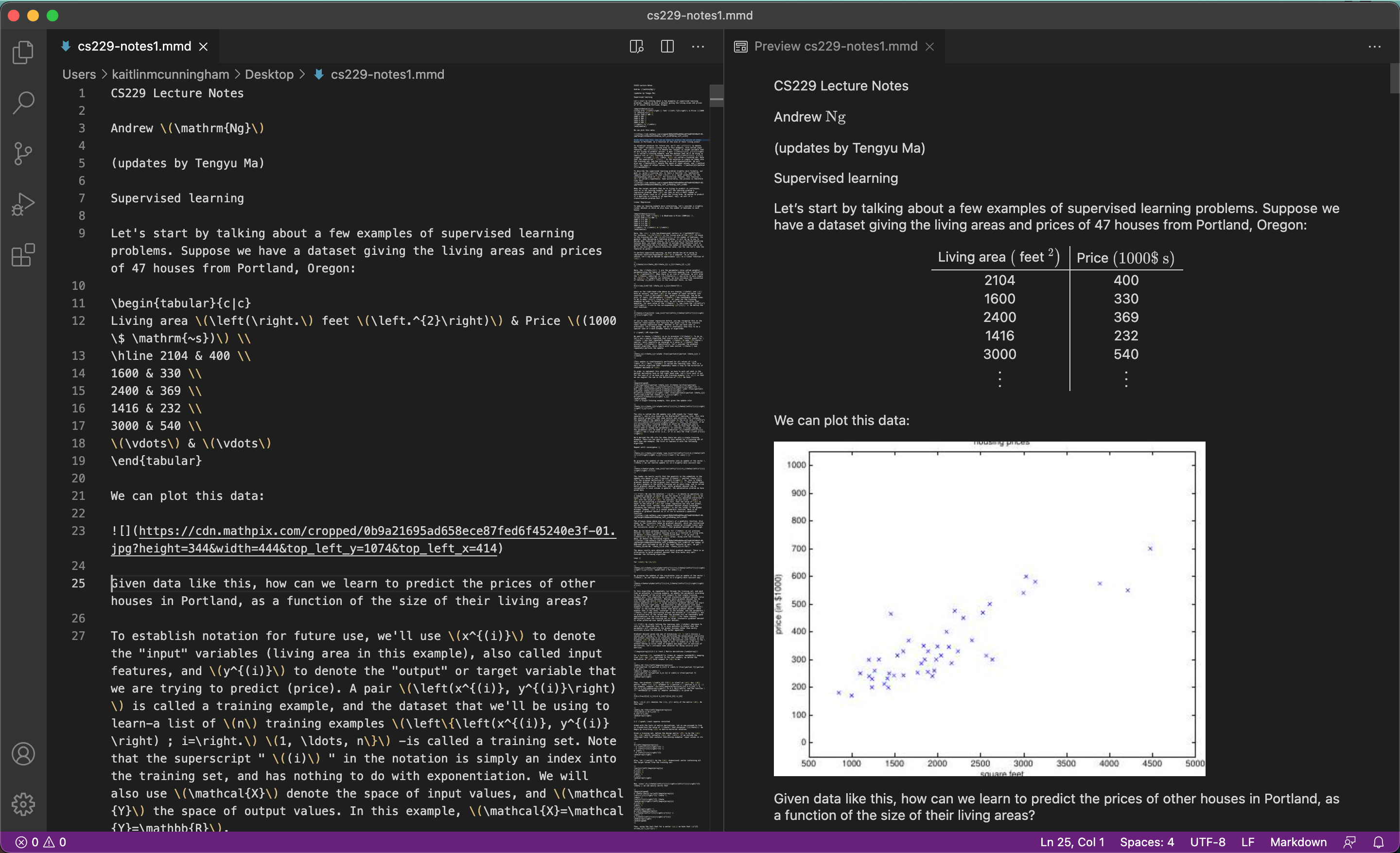
In this example, I converted one of Andrew Ng’s CS 229 Lecture Notes PDFs. Here is the result as a .mmd file rendered in VS Code: