
Mathpix OCR from your command line
Bring Mathpix OCR to your scripts and pipelines. Convert PDFs, images, and folders to Markdown, LaTeX, DOCX, and more, from a single static binary.
curl -fsSL https://mathpix.com/mpx-cli/install.sh | sh
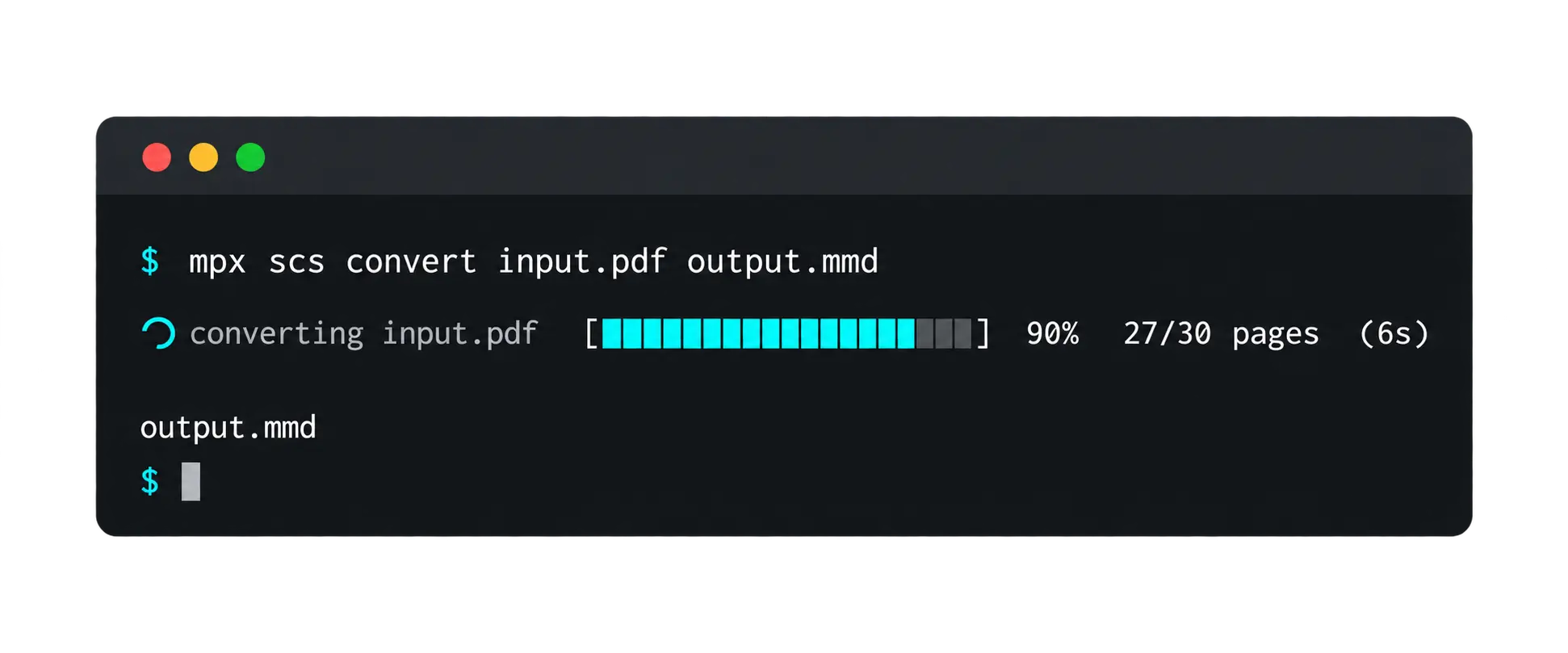
Features
Everything You Can Do from the Command Line
$ mpx scs convert paper.pdf paper.docx
Digitize PDFs Using OCR
Convert PDFs from your local filesystem to formats like LaTeX, DOCX, HTML, and Markdown using OCR.
$ mpx scs convert notes.md notes.docx
Convert Document Filetypes
Convert between document formats like LaTeX, DOCX, and HTML using Mathpix Markdown.
$ mpx scs convert equation.png equation.tex
Convert Images to LaTeX
Use the command line to convert images to LaTeX, DOCX, MMD, and HTML like you would with Snip.
$ mpx scs convert ./scans/ ./out/ --map pdf:docx
Convert a Folder
Point mpx scs convert at a directory and it converts every document in parallel with --map, writing outputs beside the inputs and a run report.
$ mpx configure --profile work
Named Profiles
Run mpx configure to store credentials in named profiles under ~/.mpx; flags and environment variables override them for CI.
$ mpx scs convert paper.pdf paper.mmd --options-json '{"rm_fonts":true}'
Every API Option
Common options have flags; every other v3 API option is reachable through --options-json, so nothing in the API is out of reach.
Ready to Get Started?
Install mpx and start converting documents from your terminal.