
Convert PDF to Word
Mathpix Snip converts scientific PDFs to editable DOCX files in minutes.
- Equations arrive as editable Word equations, not images
- Tables arrive as Word tables, with merged cells intact
- Headings come back as headings, so the outline works
- Easy exporting to DOCX in seconds
A Word file you can actually edit
The test of a PDF-to-Word conversion is whether you can click into an equation and change it. That is the part most converters get wrong, because it requires recognizing the math rather than cropping it.

Equations you can click into
Exported as native Word equations rather than flattened images, so fixing a typo is an edit and not a redraw.

Tables that are still tables
Merged cells and multi-row headers survive the export instead of collapsing into rows of plain text.
Document structure, not just text
Section headings export as Word headings, so the navigation pane and the table of contents work on the converted file.
What Mathpix recognizes in PDF files
Merged cells and multi-row headers
Cells spanning rows or columns come back tagged, so a results table exports with its header structure rather than as a grid of strings.
Captions stay with their figures
Kept with the figure or the page they belong to, instead of landing as stray paragraphs wherever they fell on the page.
Reading order on multi-column pages
A two-column paper exports as continuous prose, not as one column interleaved into the other.
How to convert PDF to Word
1
Upload the PDF
Drag it into the Mathpix Snip web editor, or pick it from your files.
2
Choose which pages to convert
Enter a page range, or leave it blank to convert the whole document. You are billed for the pages you convert.
3
Let the recognition run
Math, tables, figures and layout are read together, so the structure survives as well as the text.
4
Export as a Word document
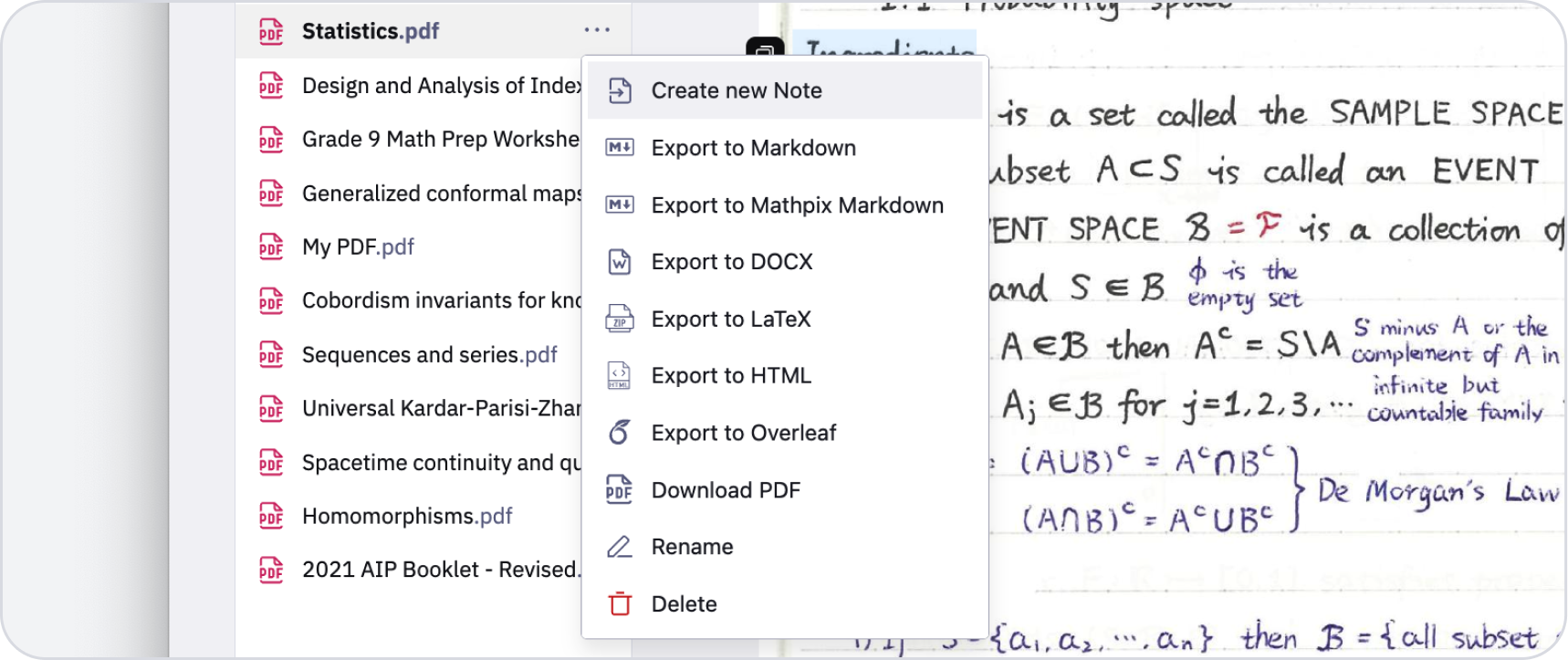
Export → DOCX in the top right. Equations arrive as native Word equations you can click into.
What Mathpix accepts, and the limits that apply
Which files you can send
PDF, EPUB, Word (DOCX, DOC), PowerPoint (PPTX), OpenDocument Text (ODT), DjVu, WordPerfect (WPD), Mobipocket (MOBI) and Amazon Kindle (AZW3)
What you get back
DOCX. The same upload also exports LaTeX, HTML, Markdown, PPTX, XLSX and PDF without converting again.
The size limits that apply
One PDF, uploaded: 1 GB
Files API, per file: 15 GB
Files API, files per job: 200,000
Our PDF to Word conversion tools
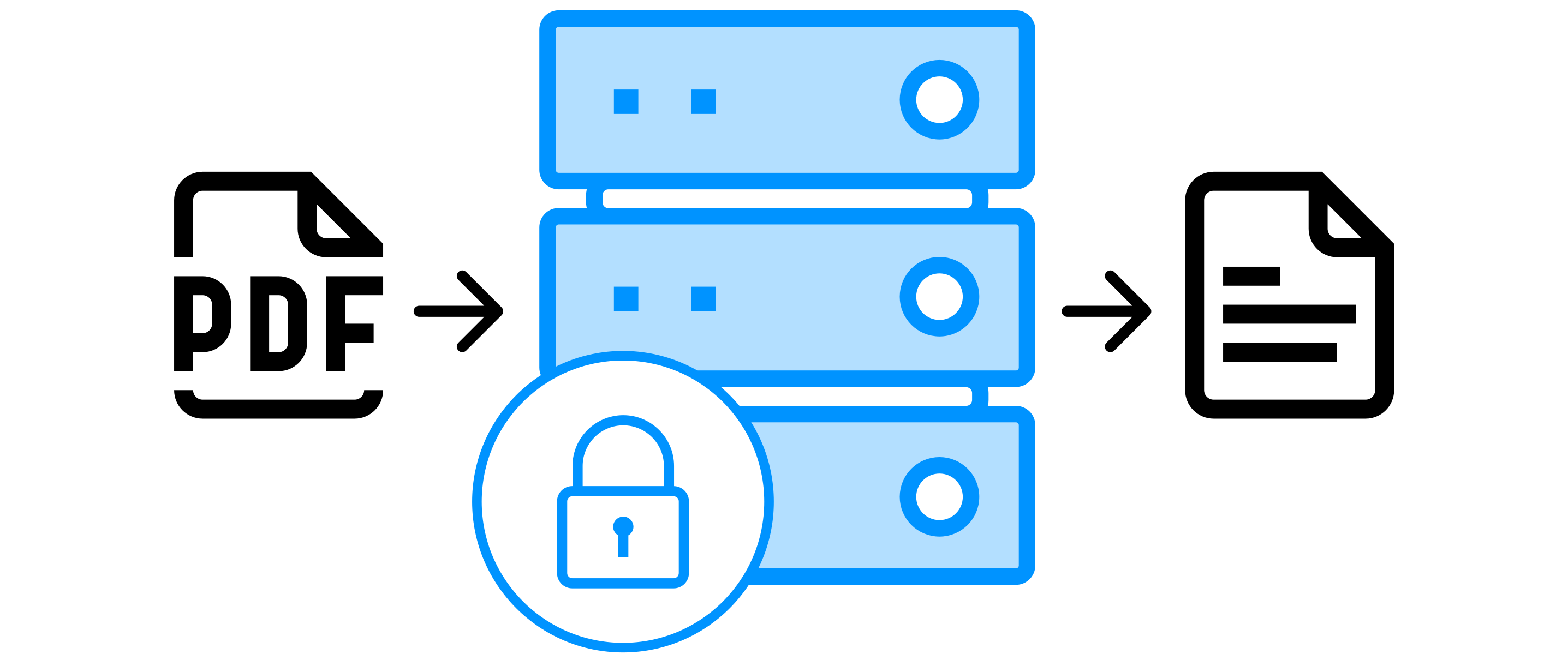
On-premise PDF Cloud
Use all PDF processing features with a self-hosted, fully contained solution.
Learn more
Converting PDF to Word: common questions
Will the equations be editable in Word?
Yes. They export as native Word equations, which means you can click into one and edit it like any other equation you typed yourself.
Do tables stay tables?
Yes, including merged cells and multi-row headers. The recognition tags cells that span rows or columns, and the export uses those tags.
What about a scanned PDF with no text layer?
It works the same way. Scanned pages go through OCR first, and the Word file is built from the recognized content.
Is DOCX the same thing as Word?
Yes. DOCX is the file format Word has used since 2007, and it is what this conversion produces. It also opens in Google Docs, LibreOffice and Pages.
Other formats you can convert PDF to
PDF to LaTeX
Convert PDFs to clean LaTeX source code.
PDF to Markdown
Convert PDFs to Mathpix Markdown.
PDF to HTML
Convert PDFs to semantic HTML.