
PDF Reader
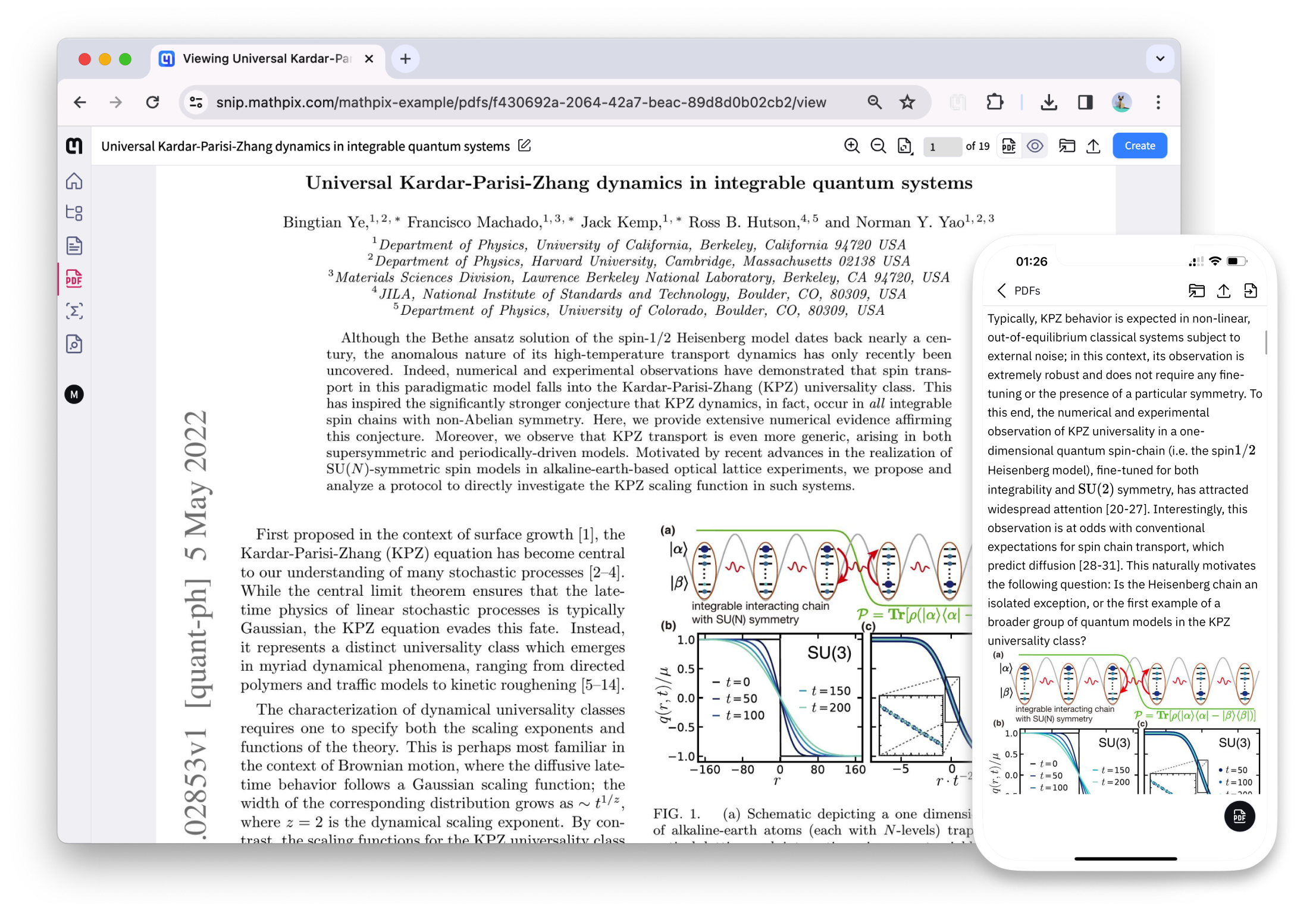
Digitize your research PDFs using OCR to create a knowledge repository that is readable on any device. Read PDFs comfortably on your phone without zooming.
- HTML view for comfortable reading on any device
- Works on scanned and digital PDFs
- Cross-platform sync across all devices
How to convert PDF to Readable Content
1
Upload your PDF
Drag it into the Mathpix Snip web editor, or pick it from your files.
2
Convert it to Readable Content
Recognition runs on the whole document: math, tables, figures and layout together.
3
Export or copy the Readable Content
Download the Readable Content, or copy it straight to the clipboard and paste it where you need it.
Our PDF to Readable Content tools
Snip Web App
Read and interact with any type of PDF file in a beautiful, responsive interface.
Go to SnipRead it on your phone
Read converted PDFs comfortably on your phone with responsive HTML rendering.
Learn more