
Convert PDF to Overleaf
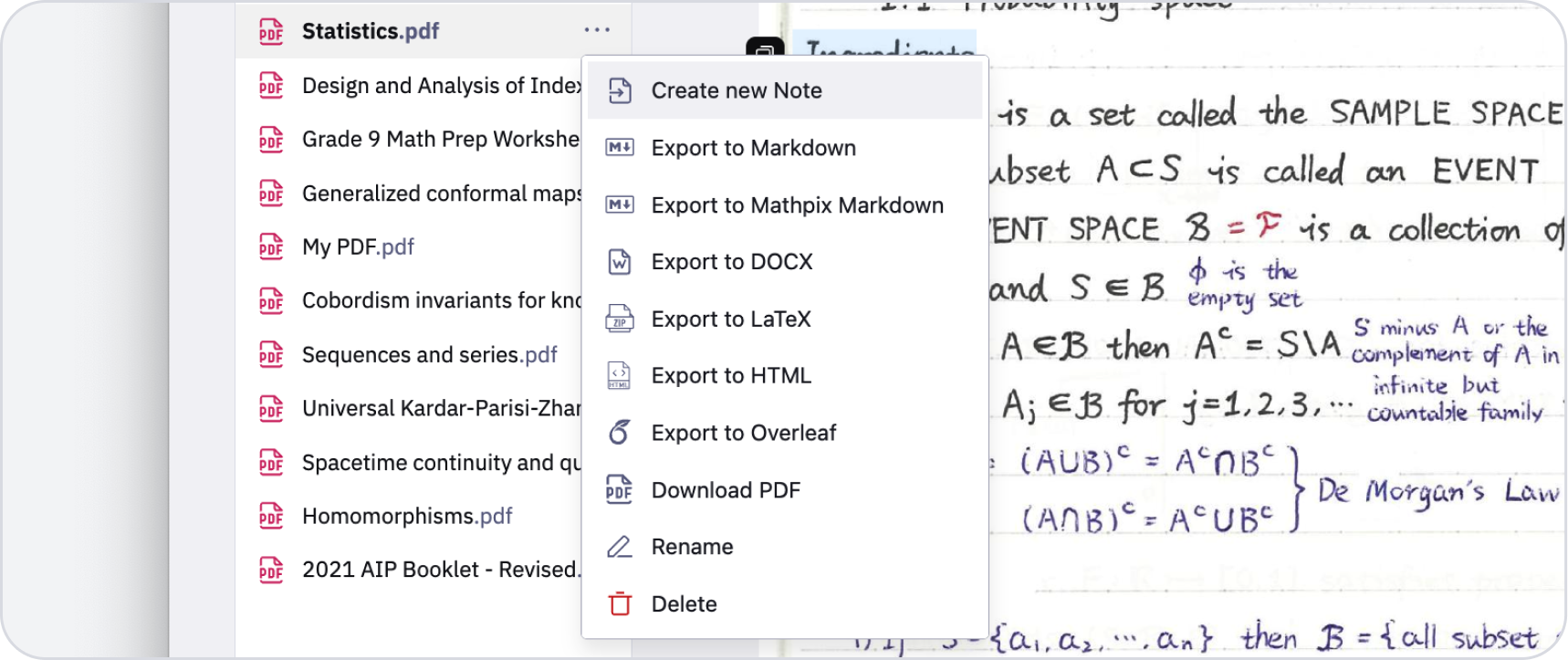
Convert any PDF to LaTeX and open it directly in Overleaf for collaborative editing. Perfect for revising published papers.
- Opens as an Overleaf project, no download and re-upload
- Figures arrive with the source, already referenced
- Theorems, lemmas and proofs keep their environments
- One-click export to Overleaf
From PDF to an Overleaf project
The useful end state is a project you can compile and edit, not a file you have to assemble. The conversion produces the source, the figures and the references between them.
Straight into a project
The conversion opens in Overleaf as a project rather than landing in your downloads folder as a zip you then have to upload.

Equations as editable source
You arrive in the editor with LaTeX you can change, which is the only version of this that saves any time.

Figures come with the source
Extracted images come with the source and are already referenced from it, so the first compile is not a hunt for missing files.
What Mathpix recognizes in PDF files
Theorem environments are preserved
Theorems, lemmas, corollaries and proofs are a documented Mathpix Markdown structure and export as LaTeX environments.
Reading order on multi-column pages
The two-column layout most journals use is resolved during recognition, so the source is in reading order.
Algorithms keep their line structure
Recognized as their own blocks rather than reflowed into paragraphs.
How to convert PDF to Overleaf
1
Upload your PDF
Drag it into the Mathpix Snip web editor, or pick it from your files.
2
Convert it to Overleaf
Recognition runs on the whole document: math, tables, figures and layout together.
3
Export or copy the Overleaf
Download the Overleaf, or copy it straight to the clipboard and paste it where you need it.
What Mathpix accepts, and the limits that apply
Which files you can send
PDF, EPUB, Word (DOCX, DOC), PowerPoint (PPTX), OpenDocument Text (ODT), DjVu, WordPerfect (WPD), Mobipocket (MOBI) and Amazon Kindle (AZW3)
What you get back
An Overleaf project, or the same LaTeX as a downloadable zip.
The size limits that apply
One PDF, uploaded: 1 GB
Files API, per file: 15 GB
Files API, files per job: 200,000
Our PDF to Overleaf conversion tools
On-premise PDF Cloud
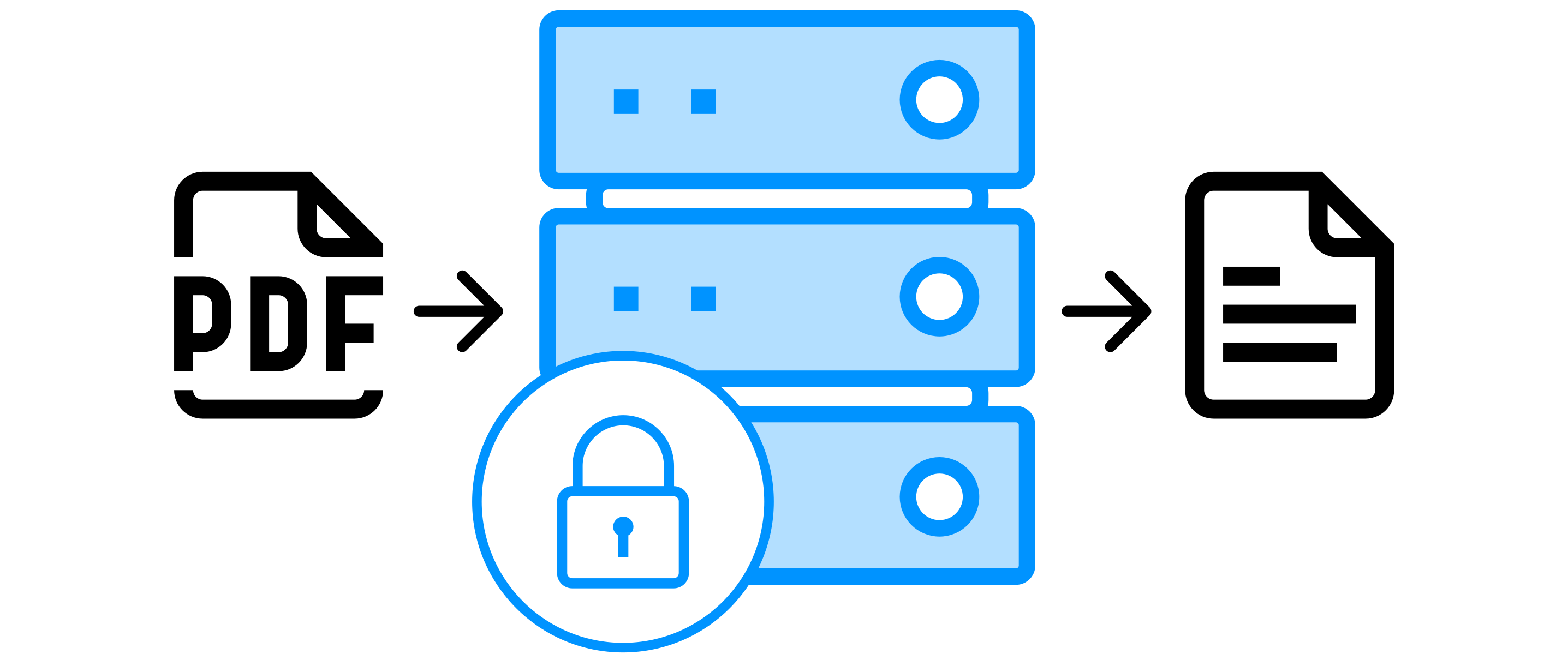
Use all PDF processing features with a self-hosted, fully contained solution.
Learn more
Converting PDF to Overleaf: common questions
Do I need an Overleaf account?
Yes, to receive the project. Without one you can still export the same conversion as a zip and compile it wherever you like.
Are the figures in the project?
Yes, extracted and already referenced from the source, so the project compiles without you adding anything.
Can I convert only some pages?
Yes. Set a page range before converting, and you are billed for those pages rather than the whole document.
Other formats you can convert PDF to
PDF to LaTeX
Convert PDFs to clean LaTeX source code.
PDF to Word
Convert PDFs to editable Word documents.
PDF to Markdown
Convert PDFs to Mathpix Markdown.